Nomploy vs. Coolify
If you're looking for a self-hosted, open deployment solution that lets you run applications on your own VPS or hardware, Nomploy and Coolify are the two leading options. But which should you choose?
Nomploy
For a polished, intuitive, open deployment solution with powerful automation, AI, monitoring and integration features – designed for developers who want control without complexity – choose Nomploy.
Coolify
For an open source deployment tool that's geared toward indie devs and OSS hobbyists, with an accessible, less polished approach that suits individuals over businesses, choose Coolify.
Nomploy vs. Coolify at a glance
Read our comprehensive Coolify vs. Nomploy features comparison before you make your decision.
| Feature | Nomploy | Coolify |
|---|---|---|
| One-command installation | ||
| Installation feedback and progress logs | ||
| Works with firewall and Tailscale out of the box | ||
| Lightweight CPU usage while idle | ||
| Low memory usage | ||
| Teams and organizations support | ||
| Projects grouping | ||
| Consistent, responsive UI | ||
| Built with Next.js / TypeScript | ||
| AI-assisted deployments | ||
| Deploy from custom Docker images | ||
| Database deployment (Postgres, MySQL, Redis, etc.) | ||
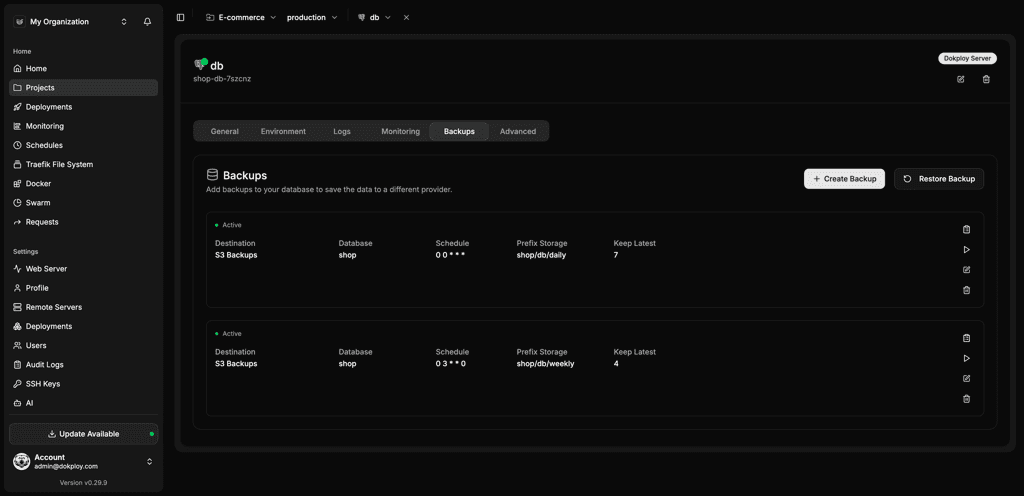
| Scheduled database backups (S3) | ||
| Back up arbitrary Docker volumes, not just databases | ||
| Preview deployments (review apps) | ||
| API and CLI tools for automation | ||
| Multi-server deployment | ||
| Multi-node clustering | Limited | |
| Autoscaling (services & cluster nodes) | ||
| High-availability load balancing | ||
| GPU scheduling | ||
| Zero-downtime deploys | ||
| Cron jobs inside containers | ||
| Cron jobs on your host machine | ||
| Monitoring metrics (CPU, RAM, Disk) | Limited | |
| Metrics enabled by default | ||
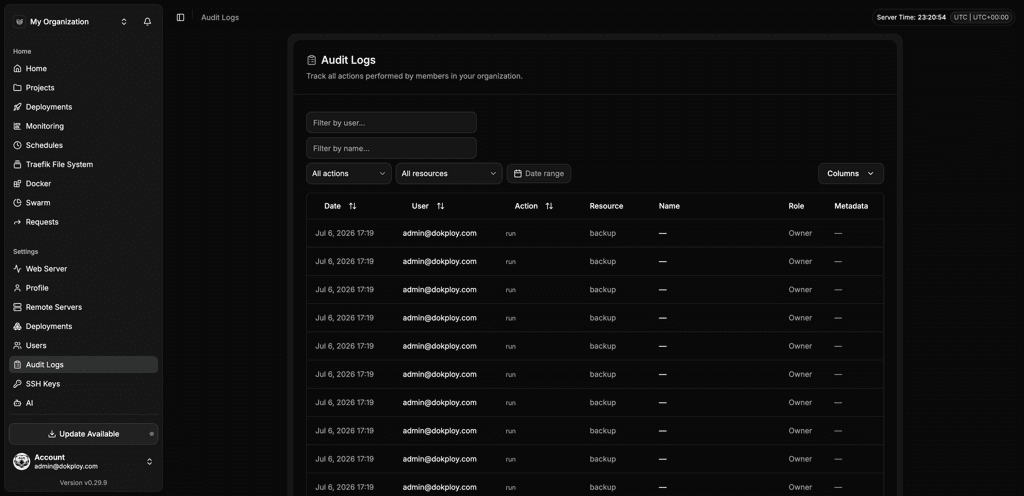
| Automated alerts from metrics |
Why you should choose Nomploy
Benefit from a fast, reliable setup
Use a single command to deploy with Nomploy, which works seamlessly across firewalls, Tailscale, and secure environments. Launch applications faster with Nomploy's optimized build system.
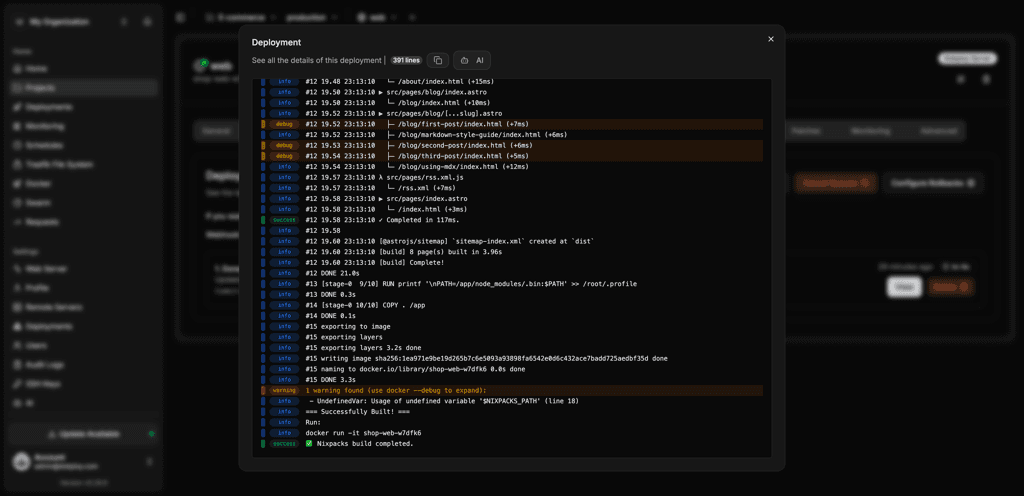
Do more with less
Keep your VPS fast and responsive with Nomploy's lightweight architecture, which uses minimal CPU and memory, even while idle. Automate builds, alerts, and scaling events effortlessly.
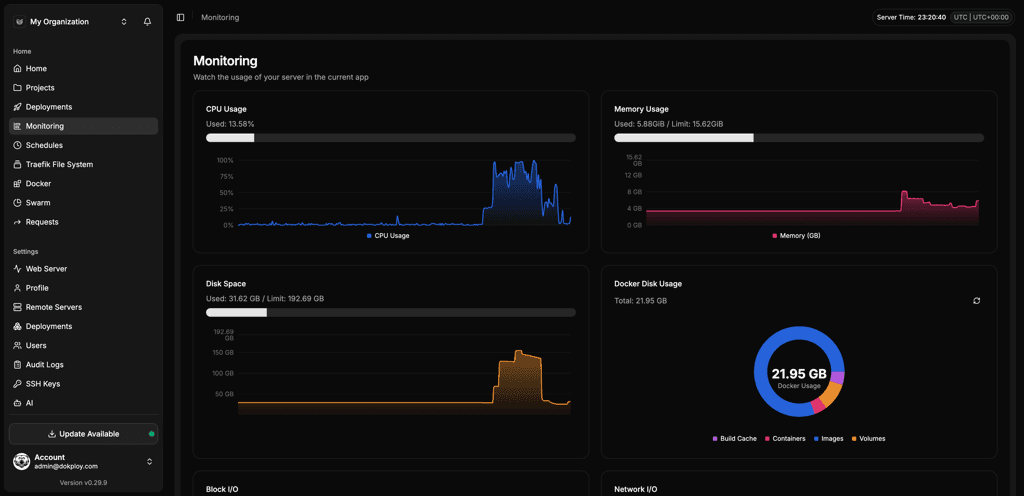
Integrate with your favorite platforms
Connect Nomploy to GitHub, GitLab, and Bitbucket. Nomploy supports Docker, Compose, Nixpacks, and Buildpacks, and even lets you add APIs and use CLI automation.
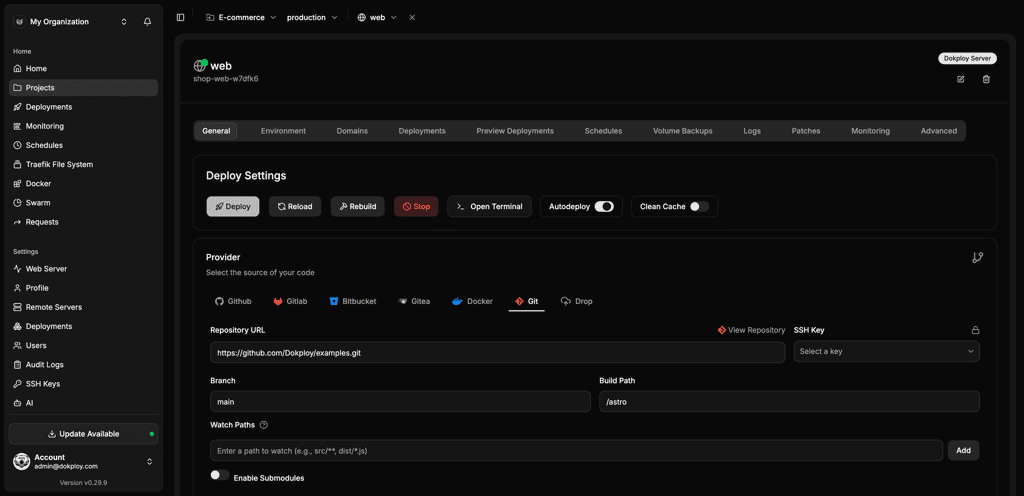
Experience an intuitive, polished UX
Enjoy a clean, consistent UI in the cloud, powered by Next.js and TypeScript. Nomploy is the modern deployment dashboard, optimized for productivity and clarity, with smooth navigation and predictable save behavior.
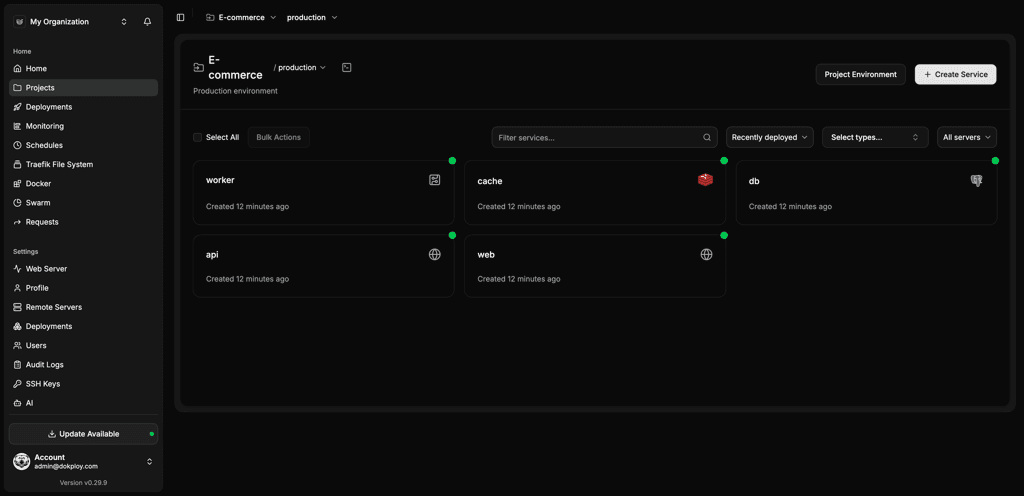
Know what's happening before it's a problem
Built-in metrics, automated alerting, and volume backups make Nomploy ideal for serious deployments. Monitor CPU, memory, and disk usage, automate notifications, and keep data safe with S3-compatible backups.
Deploy apps built with AI tools
Provide your team with a governed environment to ship AI-built apps, including sandboxed environments, enterprise security, and a path from AI-generated code to a live URL.
Nomploy integrates with the leading solutions
| Category | Nomploy | Coolify |
|---|---|---|
| Git providers | GitHub, GitLab, Bitbucket, Gitea, Git Generic | GitHub, Git Generic |
| Build and deployment systems | Docker, Docker Compose, Nixpacks, Heroku Buildpacks, Paketo Buildpacks, Railpack | Docker, Docker Compose, Nixpacks |
| Notifications and communication | Slack, Mattermost, Telegram, Discord, Lark, Microsoft Teams, Email (SMTP), Resend, Gotify, Ntfy, Pushover, Webhook | Slack, Discord, Telegram, Email (SMTP), Pushover, Resend, Teams |
Why Nomploy is perfect for teams of any size
Empower every team, from solo developers to enterprise engineering squads, with a deployment platform built for collaboration and control. Nomploy's organizational and project structuring features make it simple for you to manage users, permissions, and environments, while its automation and monitoring tools scale seamlessly as your team grows. Whether you're running one app or hundreds, Nomploy adapts to your needs without adding complexity.
Unlock Your Deployment Potential with Nomploy Cloud
Say goodbye to infrastructure hassles—Nomploy Cloud handles it all. Effortlessly deploy, manage Docker containers, and secure your traffic with Traefik. Focus on building, we'll handle the rest.
Create an account